Count Your Clicks: A Five-Day Mouse Audit That Pays for Itself
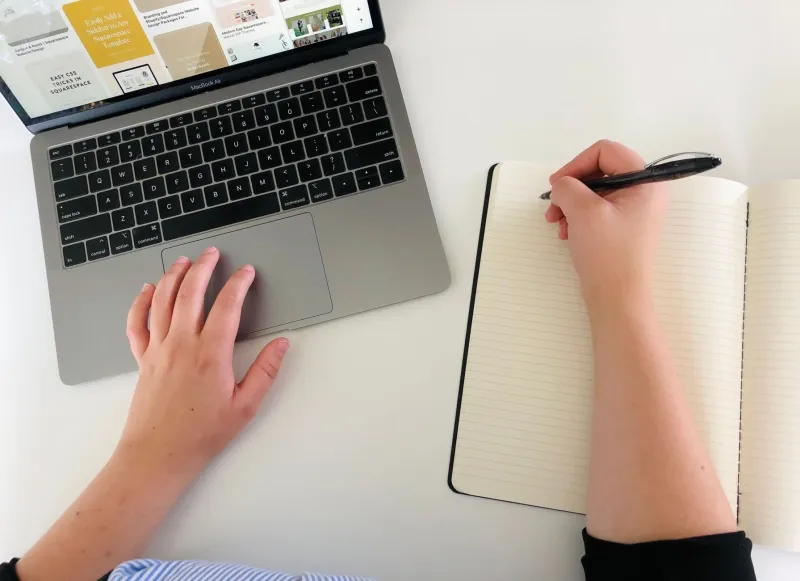
There's a particular kind of guilt that comes from watching someone else work on a Mac. Their hands never leave the keyboard. Windows snap, tabs close, snippets expand, and the trackpad sits there like an unused coaster. Meanwhile you're doing the same five moves with your wrist forty times an hour and calling it 'just how I work.'
That gap isn't talent. It's accrued habit — what I've started calling shortcut debt. Every repeatable action you perform with the mouse instead of the keyboard is a small loan against your own time, and like most debt it compounds quietly until someone shows you the statement.
Consider this the statement. What follows is a five-day logging exercise, a scorecard, and a twenty-minute fix list. Not fifty shortcuts you'll forget by Thursday. Eight fixes you'll actually keep.
The audit rules are deliberately boring
Three constraints keep this from turning into a productivity hobby:
- Log only repeatable actions. If you do it three or more times a day, it counts. One-off tasks don't.
- Don't change your behavior for the first two days. The point is to capture the real baseline, not the version of you who is being watched.
- One line per reach. Paper, Notes, a sticky note — doesn't matter. What matters is that logging takes less than three seconds, or you'll stop doing it.
At the end of each day, tally. Five minutes, tops.
The scorecard
Here's the format that worked. Four columns, no apps required:
| Action | Times/day | Annoyance (1–5) | Candidate fix |
|---|---|---|---|
| Switching Safari tabs | 41 | 5 | Cmd+Shift+[ / ] |
| Opening a new Chrome window | 12 | 3 | Cmd+N |
| Pasting my address | 6 | 2 | Text replacement |
| Cropping a screenshot | 9 | 4 | Cmd+Ctrl+Shift+4 |
Multiply times-per-day by annoyance and you get a crude but effective priority score. Anything above 20 goes on the fix list. Anything below 10 gets ignored, and ignoring things is half the value here.
What five days actually surfaced
My own log was humbling. Over a workweek I made 312 mouse reaches that had a keyboard equivalent. Roughly a third were tab navigation in a browser. Another big chunk was window management — dragging windows around like it was 2011. The rest was a long tail: date entry, emoji, opening the same three folders, resizing a screenshot.
The surprise wasn't the number. It was the pattern. Almost every reach happened in the first twenty minutes of a task, before I'd settled in. Once I was deep in something, my hands stayed on the keys. The mouse was a warm-up crutch, not a workflow.
That reframing matters, because it means you don't need to relearn your whole job. You need to survive the first twenty minutes differently.
The twenty-minute fix list
Set a timer. Work through these in order and stop when it goes off.
1. Text replacements (4 minutes). System Settings → Keyboard → Text Replacement. Add your email, your address, your phone number, your scheduling link, and the two sentences you type into support tickets every week. Use a prefix like ;;addr so you never trigger them by accident.
2. Screenshot straight to clipboard (1 minute). Cmd+Ctrl+Shift+4 puts a selection on the clipboard with no desktop detour, no Preview window, no dragging. If you take screenshots for a living, this alone pays back the twenty minutes.
3. Tab and window hygiene (3 minutes). Cmd+T, Cmd+W, Cmd+Shift+T to resurrect a closed tab, Cmd+1 through Cmd+9 to jump to a specific tab, and Cmd+` to cycle windows within an app. Say them out loud once. It sounds ridiculous. It works.
4. Window tiling without third-party apps (2 minutes). Modern macOS tiles windows when you drag them to a screen edge, and the Window menu has the same moves with keyboard shortcuts attached. Learn one and you'll stop dragging.
5. Two Shortcuts routines (5 minutes). Open Shortcuts and build a pair. One that creates a dated note in the right folder. One that takes selected text and appends it to a running scratch file. Assign both to the menu bar or a keyboard shortcut. This is where the audit earns its keep — Shortcuts covers the weird personal chores no generic list will ever mention.
6. Quick Look (1 minute). Select a file, hit Space. Stop double-clicking PDFs just to read them.
7. Launch with Spotlight (2 minutes). Cmd+Space, type three letters, hit Return. If you're still hunting through the Applications folder, this is your biggest single win of the week.
8. One deliberate deletion (2 minutes). Find the fix you know you'll never use and cross it off permanently. A shorter list you trust beats a longer one you resent.
Week two: the only metric that matters
Don't re-run the whole audit. Just count reaches for your top three items over three days. Mine dropped from 312 to about 90 within a week, then settled around 60 — mostly the things I'd decided were fine.
That last part is the honest ending. Some mouse use is correct. Scrubbing a timeline, dragging a layer in Figma, sorting photos — a trackpad is the right tool, and no key combo will beat it. The audit isn't about becoming a keyboard purist. It's about making sure the reaches you keep are choices rather than reflexes.
Shortcut debt doesn't get paid off all at once. But a tally sheet and twenty minutes will get the interest down.